Convert PNGs in Multiple Folders to JPEGs With This Simple Command on Linux!
posted on: 4/12/2023Do you have an hoard of PNGs just taking up unnecessary space. You won't need it probably ever, but you know once you do delete it you will want it. However it doesn't matter the quality as long as "its good enough", right?
Well then, this is me. I will never use 99.99% of the images I generate using Stable Diffusion, however I miss the ones I delete. So I found a command (shoutouts to GPTChat) that will turn all PNGs even in sub-directories into JPEGs AND delete the original file!
First off make a backup of the folder you're going to convert. I will take 0 responsibility for dataloss.
Now, open up a terminal in this directory. Doesn't matter if you right click and open a terminal here or cd to the directory.
Finally run the command below!
find . -type f -name "*.png" -exec convert {} {}.jpg \; -exec rm {} \;
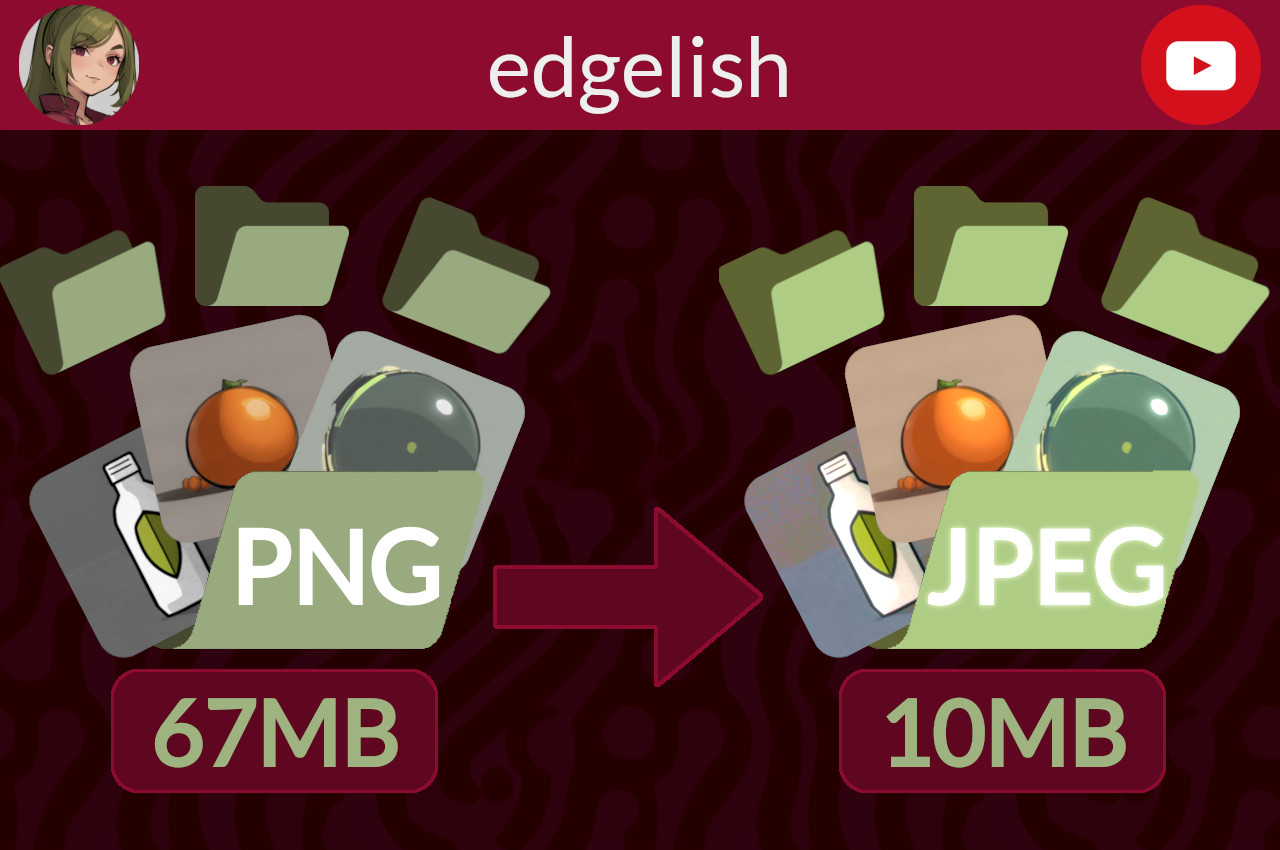
And now you're done! Going off my example of 232 images, I saved roughly 80% of file space with minimal quality loss!
The numbers were 67MB to 10.6MB!
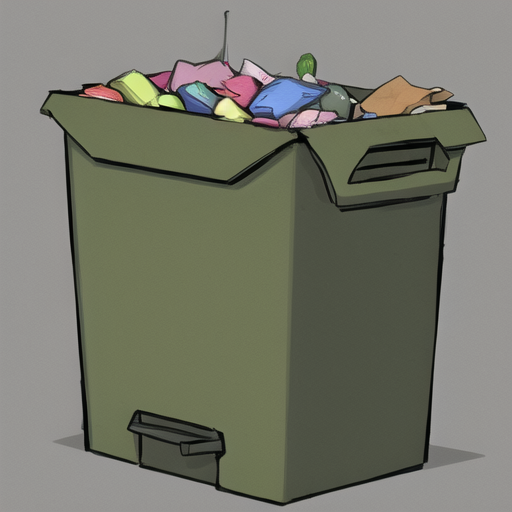
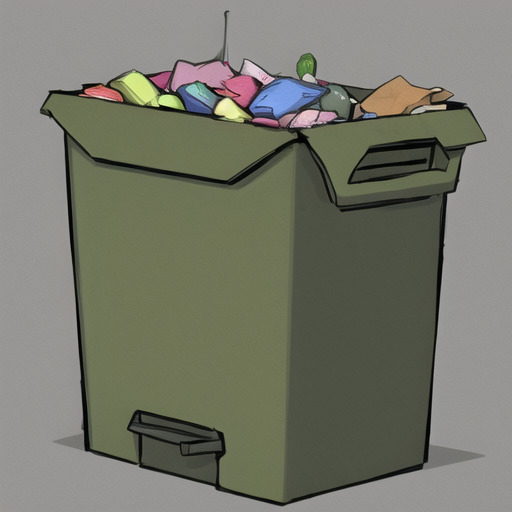
If you want an image comparison, here is one! (Left is PNG, Right is JPEG)
If, for whatever reason, you want to check out the YouTube version of this page then here it is.