How to install ShaderCaches on Linux using Cemu Appimage!
posted on: 4/8/2023After searching far and wide you have arrived at a possible solution. Everyone else who does these tutorials use the Windows version of Cemu. However, here, I will use the Cemu Appimage! It's time to tell you how to install...ShaderCaches!
First off you need to obtain a ShaderCache. If you don't have one then you'll have to Google. I can't even joke about how to obtain one...

Alright, get your .bin files ready. The .bin files are the ShaderCache, by the way.
Next open up a new file browser and go to the directory bar and type in or copy/paste the following:
~/.cache/Cemu/shaderCache/
Then click on the transferable folder and drag and drop the .bin file(s) or paste them.
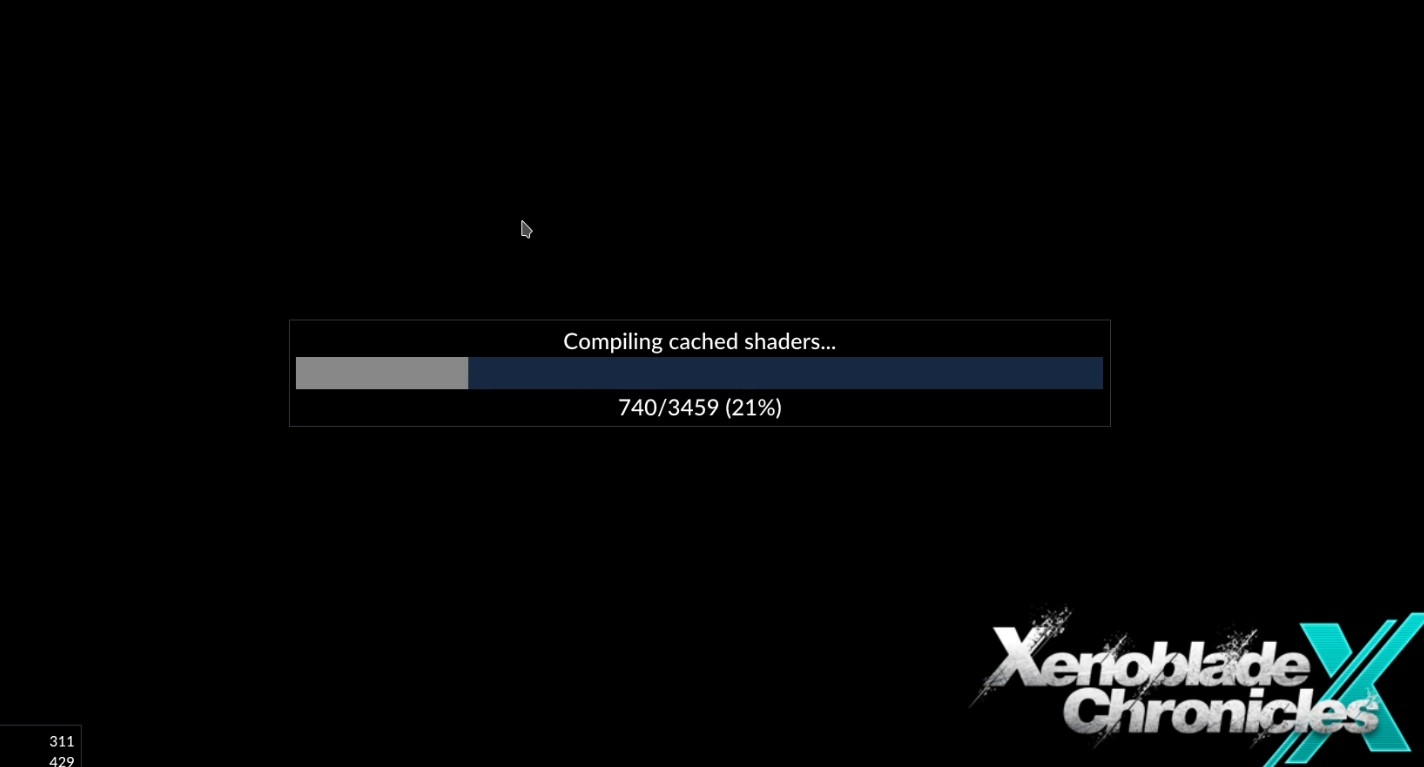
Now load up Cemu and start your game. You should see this message (or similar):
Are you perhaps a visual learner? Then check out the video version of this guide!